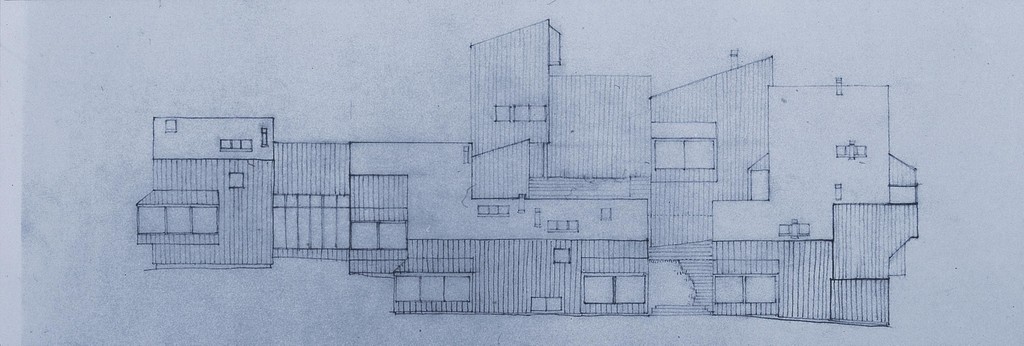
Charles Moore, Sea Ranch: Condominiums elevation: W side, 1963
…The interplay between the world of our bodies and the world of our
dwelling places is always in flux. We make places that are an expression
of our haptic experiences even as these experiences are generated by the
places we have already created. Whether we are conscious or innocent of
this process, our bodies and our movement are in constant dialogue with
our buildings.”
Charles Moore and Robert Yudell
Body, Memory, and Architecture
1977
Here are the slides from the Order and Proportion Lecture: M3-Lecture-OrderandProportion.pdf
Chapter 4 and 5 of these readings develop your understanding of the complex relationships between spaces and the paths that are taken to move between them. As you read, consider the connections between how spaces are put together and how you have to navigate around them. How do each of these configurations feel? Imagine yourself in those spaces.
Chapter 6 discusses the proportional relationship between the parts of an architectural composition and how the scale of things relates to the human form. It also summarizes traditional ordering systems for architecture. As you read, consider the relationship between human bodies and the architecture we create for them.
Ching, Francis DK. Architecture: Form, Space, and Order- Chapter 4- Organization
Ching, Francis DK. Architecture: Form, Space, and Order- Chapter 5-Circulation
Ching, Francis DK. Architecture: Form, Space, and Order- Chapter 6-Proportion & Scale
Architecture Form, Space, Order by Francis D. K. Ching (z-lib.org).pdf
Resources for learning SketchUP:
SketchUP is a really easy 3D modeling program to learn. For this course, we are only focusing on modeling forms, measuring, and creating specific views that can be exported to 2D pictures. A basic understanding of navigation, sections, modeling tools, measuring, scaling, grouping and creating scenes is really all you need. Follow the steps below to learn the program:
Step 1:
- Purchase, download or access the free version of SketchUP on your laptop, computer, or in the computer lab.
- Free Version: This version can be accessed and used online with a login for free. https://www.sketchup.com/plans-and-pricing/sketchup-free
Step 2:
- Find at least (1) other person, preferably a group in the class that you can connect with as your software learning buddy. Get their info and sit near them as you are learning. Maybe organize a meet-up to learn the software together in the computer lab or somewhere else on campus.
Step 3:
- Go to the SketchUP YouTube Channel here: https://www.youtube.com/channel/UC50lv4EYY1N1_-B495meX8w
- Scroll down the page until you get to the SketchUP Square One Section of videos
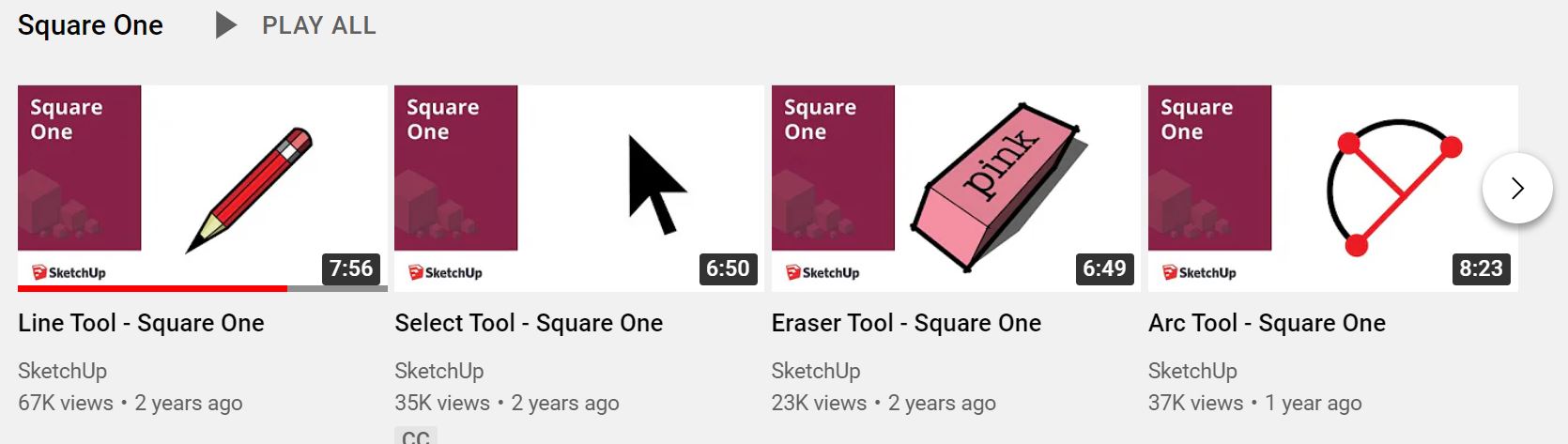
- Watch all of the videos with a red square IN ORDER. Not only do they explain each of the tools, they also explain a lot about how to use the mouse, toolbars, quick keys and the order of operations you need to use to get SketchUP to do what you want it to.
- Next, watch the following videos with the blue square:
Step 4:
- If you want a written resource, skim this text to get an overview of the program: M0-Mitton_Chapter6_SketchUp.pdf.
- If you are still looking for more resources, here are some written tutorials from the SketchUP website. I suggest the following ones-
Step 5:
- If you get stuck, write down your question in your sketchbook. Seek out a classmate to help answer it by asking in person or posting the question to the Q&A Cafe.
- As a last resort, save your questions for an in class session with your professor.
Resources for Perspective Drawing:
Here are the slides from the Perspective Lecture: M3-PerspectiveDrawings.pdf
These readings and videos explain two point perspectives. While we will only be sketching perspectives by hand in this course, watching the steps to mathematically constructing a perspective can also help you understand how a computer program arrives at a perspective view.
The first reading by Mitton is a nice step by step to using these drawing types when sketching. I suggest you read and try some of the exercises in your sketchbook. The second reading is a more thorough explanation of perspective drawings by Ching. I suggest you skim these readings and take notes in your sketchbook by sketching out some of the concepts and diagrams you see in the pictures.
The videos below demonstrate how to create various perspective drawings. Notice how the demonstrator handles their tools.
M3-Mitton_Chapter3_ParalinePerspectiveDwgs.pdf
M3-Ching_ArchGraphics_Chapter6_PerspectiveDrawings.pdf
Constructing Two Point Perspectives by Hand:
Congratulations!
After putting in the effort to watch these videos and try out each of the tools,
I think you are on your way to being a SketchUP master!